Your phone battery was at 78% when you sat down for lunch. By the time the food arrived, it was at 43%. You did not watch a video, you didn't make a call. You were just having lunch and enjoying the scenery in the eatery, and your phone’s screen was off the entire time.
Of course, you wondered why your battery had depleted so much, but you believed it had started going bad, so you just plugged in your power bank and continued with the rest of your day.
Then your phone pings with a notification from your email app, it's a password reset email you never requested. For your banking app.
You still do not panic. People get phishing emails every day, right? You've read about it online somewhere… But that night, your partner asks why you sent them a strange link, and that was when you got concerned because you never sent a link. Not to your partner or anyone else.
Now, this is the part where most people close their eyes and decide it is a coincidence.
Let’s stress that a little, what if it is not?
Mobile Phone Surveillance: Why It Happens More Than You Think
Mobile surveillance is one of the fastest-growing forms of digital crime happening right now, according to agencies like the Federal Bureau of Investigation and Interpol. It does not only happen to CEOs or politicians. It happens to college students, shop owners, online vendors, nurses, and parents. People who consider themselves careful.
Your phone holds more intimate information about you than your home, your diary, or your closest friend. It knows where you sleep and who you love. It knows your finances, your health searches, and the things you type and then delete.
When these attacks happen, there is no hooded figure or complex heist, no loud alarms like in the movies. It happens in one unguarded moment.
How Hackers Use Public Wi-Fi to Hack Your Phone
Chioma had just finished a twelve-hour shift at the hospital. Her phone was at 6% when she spotted free Wi-Fi at a fast-food restaurant. She connected immediately as she had to transfer money to her mother before the bank cut off service.
She logged in, confirmed the transfer, bought a meal, and went home.
Within the hour, she got a notification that her data bundle was nearly exhausted. Strange, since she had recharged two days ago. She went to bed and figured she would deal with it in the morning.
Over the following two weeks, her phone began behaving like something else was living inside it. Apps she had not opened were showing in her recent activity. Her screen lit up at 2 am and went dark again. One of her colleagues received a message from Chioma's number asking for money urgently. Chioma was asleep when it was sent.
By the time she realised something was genuinely wrong, her email had been accessed from a location she had never visited. Her banking password had been changed, her contact list had been exported, and someone had been reading her WhatsApp messages for over two weeks.
All of it traced back to one moment. A public Wi-Fi network, a depleted battery, and a moment of tired, completely human inattention.
How Hackers Spy on Your Phone (5 Common Methods)
Spyware and stalkerware. Software secretly installed on your device that records your messages, calls, location, and camera activity, often planted by someone with brief physical access to your phone. Research from cybersecurity firms like Kaspersky and NortonLifeLock shows how widespread these tools have become.
Phishing links. A message that looks legitimate but is designed to steal your login details. One wrong letter in a URL is all it takes. "paypa1.com" instead of "paypal.com." Most people never notice.
Malicious apps. Apps that look harmless but quietly request excessive permissions. A flashlight app that wants access to your contacts, microphone, and location is not a flashlight app.
Public Wi-Fi traps. On a fake or unsecured network, an attacker can intercept everything flowing between your phone and the internet. Digital privacy groups like the Electronic Frontier Foundation have repeatedly warned about how easy this is to exploit.
SIM swap attacks. An attacker contacts your mobile provider, impersonates you using personal details bought cheaply online, and convinces them to transfer your number to a new SIM. From that point, every verification code goes to the attacker, not to you. Regulators such as the Federal Communications Commission have issued multiple warnings about this exact method.
Signs Your Phone Has Been Hacked or Is Being Monitored
A compromised phone doesn't announce itself loudly, but there are signs.
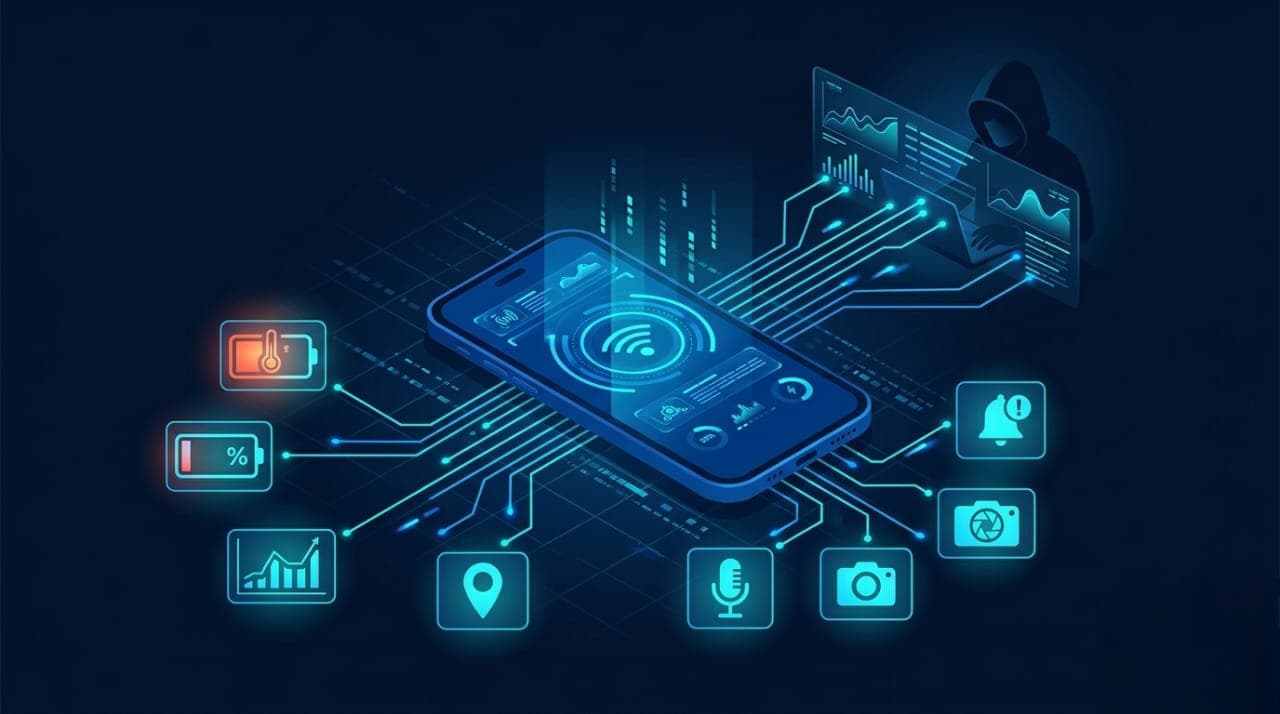
Battery draining much faster than usual with no change in your habits, data consumption spiking, the phone running warm when idle, apps appearing in recent activity that you did not open, messages in your sent folder you did not write, login alerts from locations you have never visited, contacts reporting messages from your number that you never sent, and many more.
Individually, any one of these could be a glitch. Several of them together, especially over a short period, is a pattern that deserves serious attention.
How to Protect Your Phone from Hackers (Step-by-Step Guide)
Most phone surveillance relies on user behavior, and user behavior can be changed.
Audit your app permissions today. Check which apps have access to your microphone, camera, contacts, and location. Revoke anything that does not make functional sense.
Use a password manager and stop reusing passwords. One unique, strong password per account. Bitwarden and 1Password both make this practical.
Switch from SMS-based two-factor authentication to an authenticator app. Google Authenticator or Authy generate codes on your device itself, which makes SIM swap attacks significantly less effective.
Never use public Wi-Fi for anything sensitive without a VPN. A VPN encrypts your connection so that even if someone is watching the network, they cannot read what you are transmitting.
Keep your operating system and apps updated. Most updates contain security patches for vulnerabilities that attackers are actively exploiting. Delaying them is a gift to whoever wants access.
Call your mobile provider and add a verbal passphrase required before any SIM changes can be made. This takes less than five minutes and raises the bar considerably against SIM swap attacks.
If you suspect spyware, factory reset your device. Then restore only from a backup made before the suspected compromise. It is disruptive. It is also reliable.
Quick Security Checklist: Is Your Phone Safe Right Now?
When did you last check which apps have access to your camera and microphone?
If someone had been reading your messages for two weeks, would you actually know?
Do you use the same password on your email as you do on your banking app?
Have you connected to public Wi-Fi in the last week without a VPN?
If your SIM was swapped tonight, how long before you would notice?
If any of those questions made you uncomfortable, that discomfort is useful. It means something can still be done before anything goes wrong.
You do not have to be a target to become a victim. You only have to be convenient.
The most powerful thing you can do for your digital security is decide, today, that you are paying attention. Not necessarily because something bad is guaranteed to happen, but because the people waiting for you to look away are already there, and they are patient, and they are really good at what they do.
Your phone is the most powerful device you own and the most intimate window into your life. Treat it accordingly.
Share this with someone who connects to public Wi-Fi without thinking twice. It might be the most useful thing they read this week.