Every few weeks, one of my students at Elitech Hub asks me some version of the same question: "What laptop should I get?"
And almost every time, I give them an answer they don't expect: you probably don't need the laptop you think you need.
You don't need a maxed-out machine just to learn Linux, Python, networking fundamentals, or the basics of ethical hacking. I've watched students get further on modest hardware than others did on machines twice the price, because the laptop was never the bottleneck — the habit of showing up and practicing was.
But there's a real turning point. Once you start running virtual machines side by side — Windows and Linux environments, Active Directory labs, Docker containers, malware-analysis sandboxes, and your usual programming tools, all open at once — better hardware stops being a luxury and starts being useful.
So if you do have the budget for a premium machine, I want to save you from the trap most guides fall into: recommending whatever laptop has the biggest processor or the flashiest gaming badge.
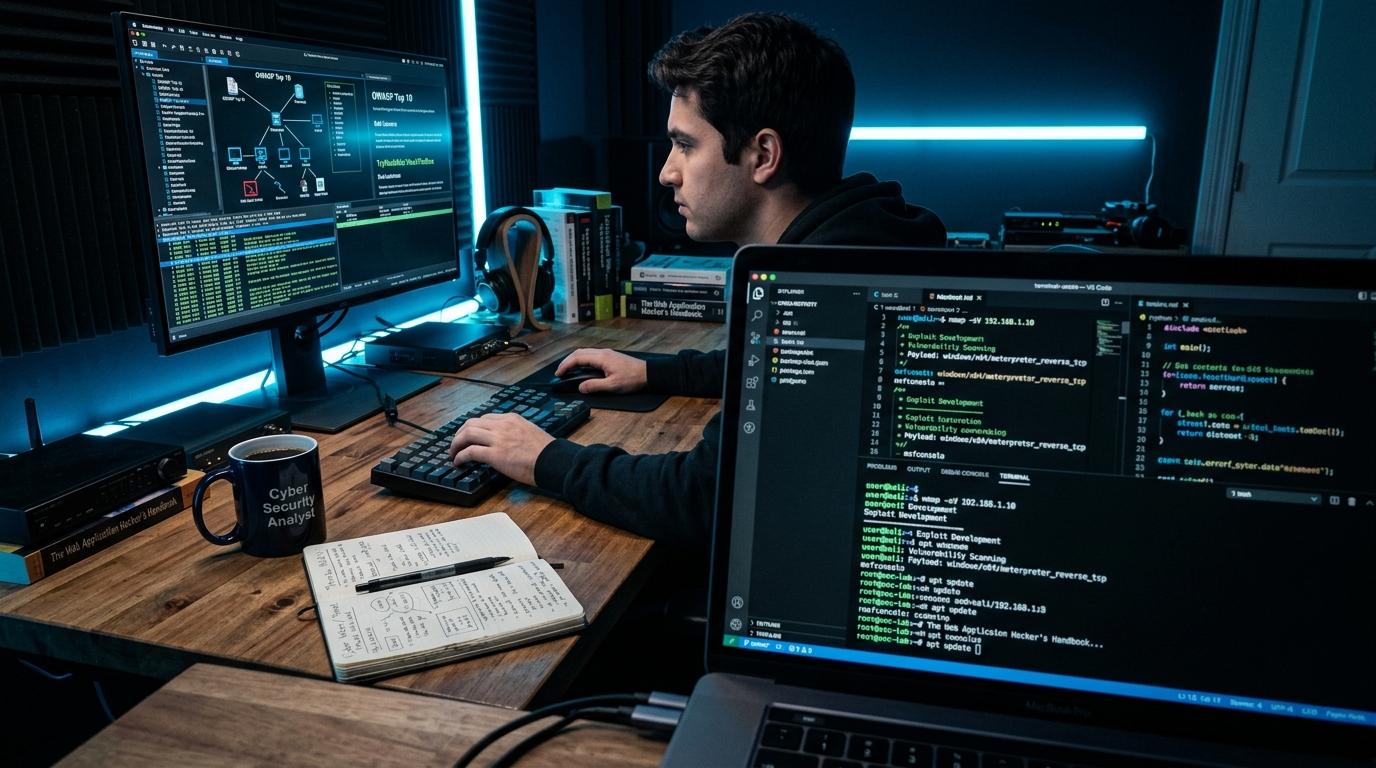
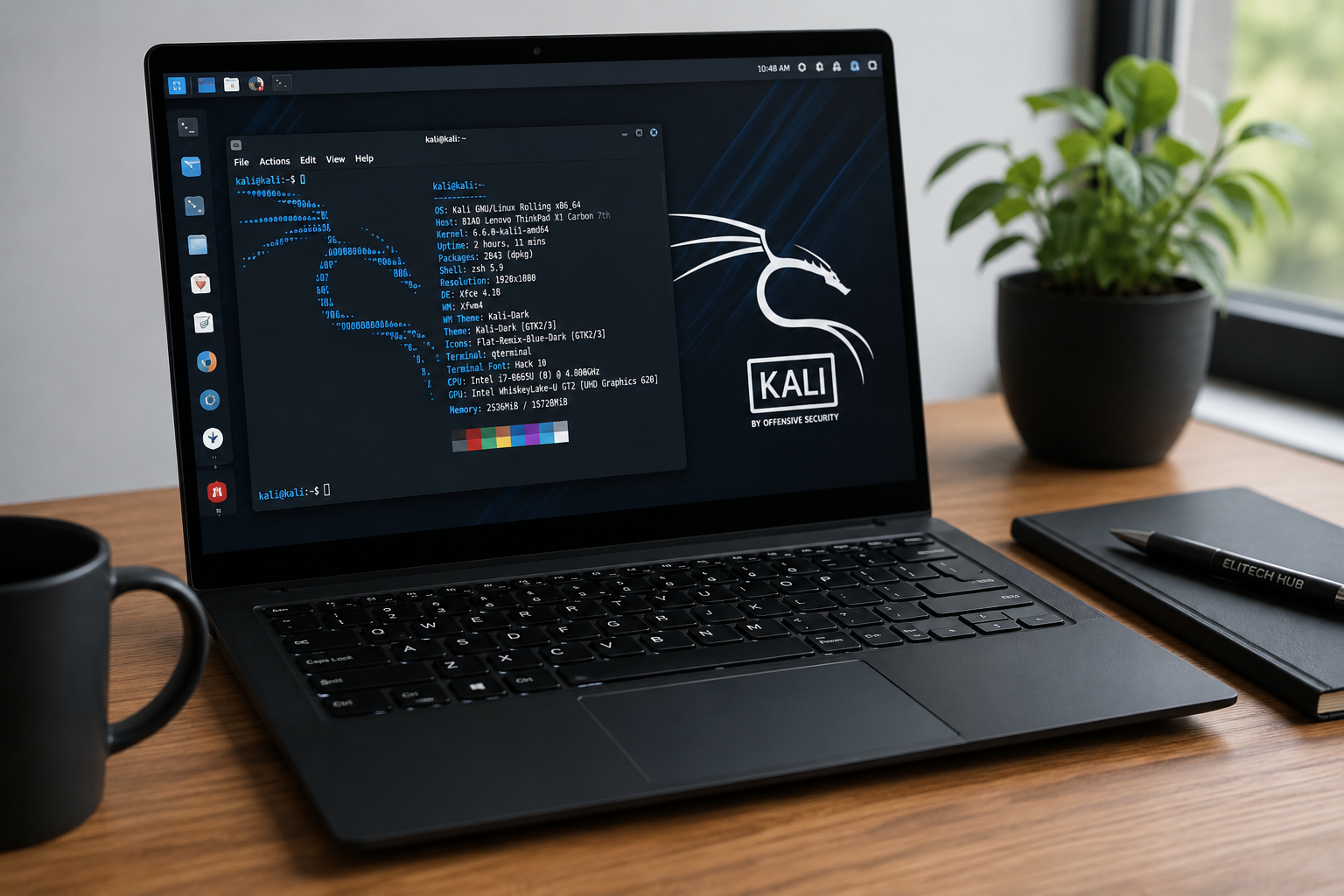
[Image placement: hero image — laptop with terminal window open, natural desk lighting]
That's not how I'm approaching this list. I'm looking past clock speed, at the things that actually matter for security work: Linux support, virtualization performance, RAM headroom, storage, repairability, hardware-level security, firmware control, and how much freedom the laptop gives you as its owner.
This piece is part of a broader guide — see Best Laptops for Cybersecurity in 2026: Beginner to Professional Guide for the full picture across every budget. If you're reading this from Nigeria and thinking in naira rather than dollars, I've written a companion guide on what to buy with ₦250,000 to ₦500,000 — this article is for a different budget conversation.
What should a premium cybersecurity laptop actually have?
Let's get one thing straight before we go further: you do not need a Core i9, 64GB of RAM, and an RTX GPU to learn cybersecurity. Those specs earn their keep once your work gets heavier — not before.
For a laptop I'd actually call "premium" for this field, here's my checklist:
At least 32GB RAM
1TB SSD or more
A modern Core Ultra 7/9 or Ryzen 7/9 processor
Solid Linux compatibility
Hardware virtualization support
Cooling that can handle sustained load, not just bursts
A useful spread of ports
Strong Wi-Fi support
A keyboard you can actually type on for hours
Easy access to internal components
Genuinely good firmware and security features
64GB RAM if you plan to run several VMs simultaneously
If your interests stretch into AI, malware analysis, password-security research, or GPU-heavy computing, an NVIDIA GPU earns its place too.
With that out of the way, here are four premium laptops worth your attention — and who each one is actually for.
[Image placement: comparison graphic or table summarizing the four laptops side by side]
1. Purism Librem 14 — the privacy and hardware-security specialist
If your idea of a "cybersecurity laptop" starts with hardware security and software freedom rather than benchmark scores, the Librem 14 is hard to ignore.
Purism built this machine around privacy and open-source principles, not around winning a spec sheet contest. The standout feature is something you won't find on mainstream laptops at all: physical hardware kill switches. Flip them and the camera, microphone, Wi-Fi, and Bluetooth are physically disconnected — not just "turned off" in a settings menu that malware could quietly override. Purism also documents hardware switches for write-protecting the BIOS and embedded-controller firmware.
That distinction matters more than it sounds. Software toggles are one bug away from being unreliable. A physical switch isn't.
The Librem 14 supports PureOS and other Linux distributions, and Purism supports Qubes OS on the platform — a serious signal for anyone doing compartmentalized security work.
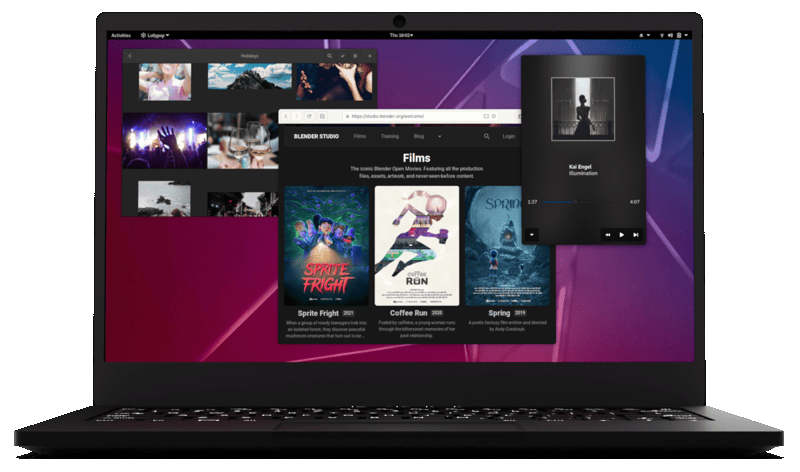
Where it falls short is raw horsepower. It runs a 10th-generation Intel Core i7-10710U and supports up to 64GB of RAM — respectable, but not cutting-edge. I wouldn't recommend this laptop because it's fast. I'd recommend it because it takes ownership, privacy, and firmware security more seriously than almost anything else on the market.
Best for: privacy enthusiasts, Linux users, security researchers, and anyone who specifically wants hardware-level privacy controls.
The catch: you're paying for principles as much as performance. If your only goal is running several demanding VMs as fast as possible, there are quicker machines below.
2. Framework Laptop 16 — for people who want control
Out of everything on this list, the Framework Laptop 16 is the one I'd point toward if a student told me they wanted to understand both the software and the hardware side of computing.
The whole machine is designed to be taken apart and upgraded. You can swap components, change expansion cards, and — on the current generation — configure it with an NVIDIA GeForce RTX 5070 Laptop GPU. Even the graphics module is replaceable, which is genuinely rare.
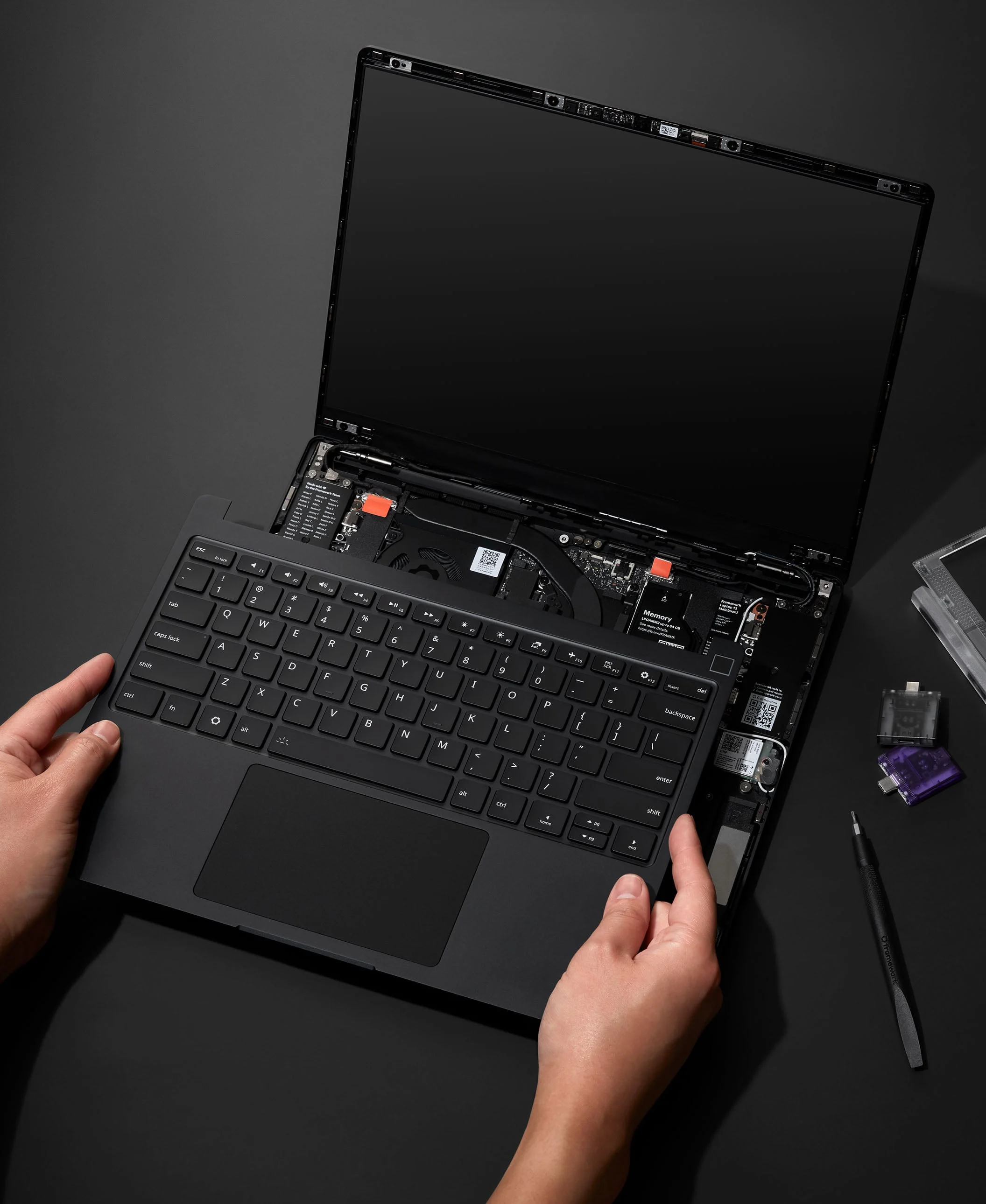
Most modern laptops are sealed boxes now. You buy the configuration the manufacturer decided on and live with it for the machine's lifetime. Framework does the opposite: they publish hardware documentation and support Linux installs, including current Ubuntu releases.
The Expansion Card system is where this gets practically useful for security work. Instead of accepting whatever port arrangement the manufacturer gave you, you choose: USB-A for hardware tools, Ethernet for networking labs, HDMI for an external display, extra USB-C for everything else. If your interests eventually drift into hardware security, embedded systems, or IoT, that flexibility stops being a novelty and starts being a genuine advantage.
Best for: cybersecurity students who also want to explore hardware, Linux, networking, IoT, or computer engineering.
The catch: it's expensive, and "modular" doesn't automatically mean "cheap to upgrade." But if you're planning to keep the machine for years, repairability makes a real case for the price tag.
3. Lenovo ThinkPad P1 Gen 8 — the serious mobile workstation
If hardware experimentation isn't your thing and you just want raw computing power, the ThinkPad P1 is a different category of machine entirely — a true mobile workstation.
The current P1 Gen 8 can be configured with up to 64GB of memory and multiple M.2 SSDs, with Lenovo listing support for up to 8TB of total SSD storage. That's the kind of headroom that starts making sense once your lab setup gets complicated — and in security work, it gets complicated fast.
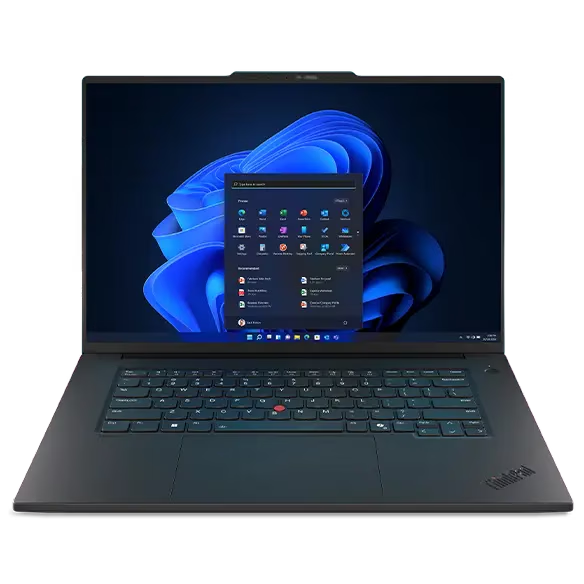
Picture a realistic working session: Windows as your host OS, a Kali Linux VM, a Windows Server VM, an Ubuntu server, a full Active Directory lab, a handful of Docker containers, Wireshark, Burp Suite, VS Code, and a browser with more tabs open than you'd like to admit. That's the exact moment 64GB of RAM stops sounding excessive.
The P1 also keeps the ThinkPad qualities professionals rely on: a keyboard that holds up to years of typing, business-grade security features, and a design built for workstation-class loads rather than looks.
Best for: professional cybersecurity work, research, virtualization, and programming — for anyone who wants one machine that can carry serious workloads without complaint.
The catch: it's a workstation, not an ultralight student laptop. You're paying for performance, not minimal weight or price.
4. Dell Precision 5690 — another serious workstation option
Dell's Precision line is the other strong contender if your cybersecurity work leans into virtualization, development, data science, or GPU-intensive workloads.
The Precision 5690 can be configured with up to 64GB of LPDDR5x memory and up to 2TB of SSD storage, with NVIDIA professional GPUs ranging up to the RTX 5000 Ada generation. For Linux users specifically, Dell lists Ubuntu 22.04 and Red Hat Enterprise Linux among the supported operating systems — a real signal that this workstation is meant to live comfortably in a Linux-first environment, not just tolerate it.
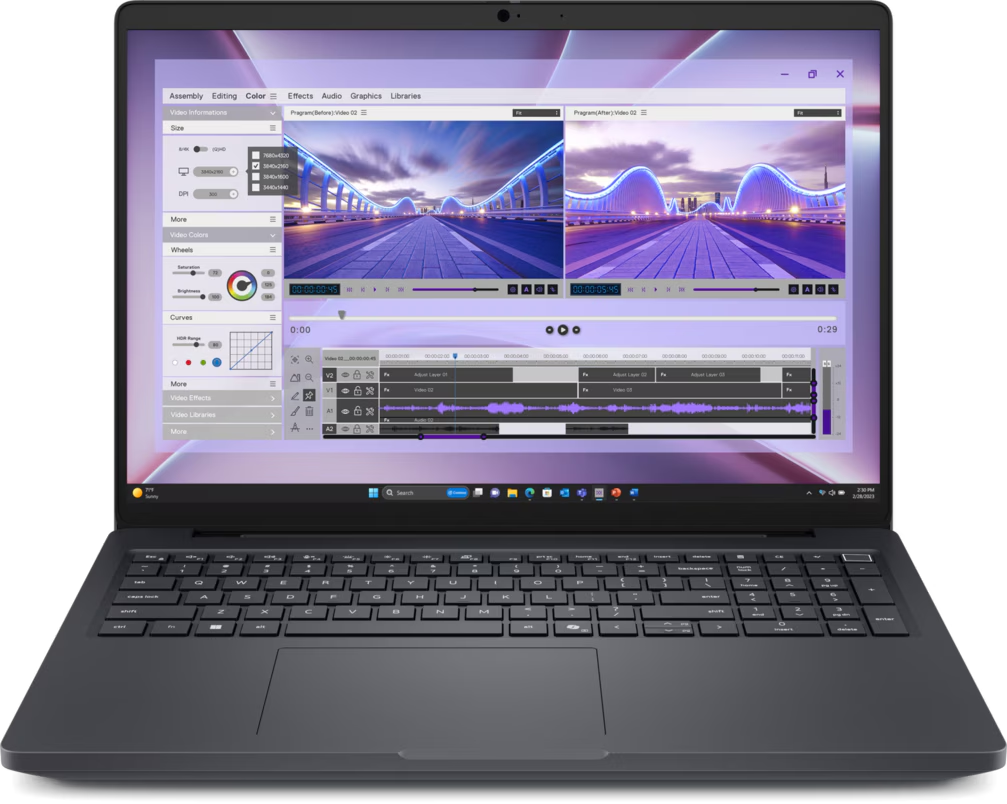
Best for: cybersecurity professionals who want workstation performance, solid Linux support, and the option of professional-grade NVIDIA graphics.
The catch: premium configurations climb in price quickly. Know exactly what specs you need before you start customizing, or the final quote will surprise you.
So which one should you actually buy?
There's no single winner here, because these four machines are built around different priorities — and pretending otherwise would do you a disservice.
If I'm choosing based specifically on cybersecurity work:
For hardware privacy: Purism Librem 14
For ownership, repairability, and hardware experimentation: Framework Laptop 16
For serious virtualization and workstation workloads: Lenovo ThinkPad P1
For workstation performance with professional NVIDIA graphics: Dell Precision 5690
The lesson underneath all of this: the most expensive laptop is not automatically the best cybersecurity laptop. Think about what you'll actually do with the machine before you open your wallet.
If you're learning networking, Linux, Python, and the basics of penetration testing, you can spend far less than anything on this list. If you're building a serious virtualized lab, running multiple operating systems side by side, or moving toward security research, then 32GB or 64GB of RAM, multiple SSDs, and a stronger CPU start earning their price.
[Image placement: closing CTA banner "Start your cybersecurity journey with Elitech Hub" with enrollment link]
Not ready for a premium machine yet? That's completely fine, and honestly, it's where most people should start. At Elitech Hub, we teach students to build real skills on the hardware they already own before we ever talk about upgrading. Explore our cybersecurity bootcamp →
And if your budget is thinking in naira rather than dollars, don't miss the companion piece: Best Laptops for Learning Cybersecurity in Nigeria in 2026 — What to Buy With ₦250K, ₦300K, ₦400K and More.